
Download Wallpapers Art HD – Free High‑Resolution Mac Wallpaper Manager
Overview
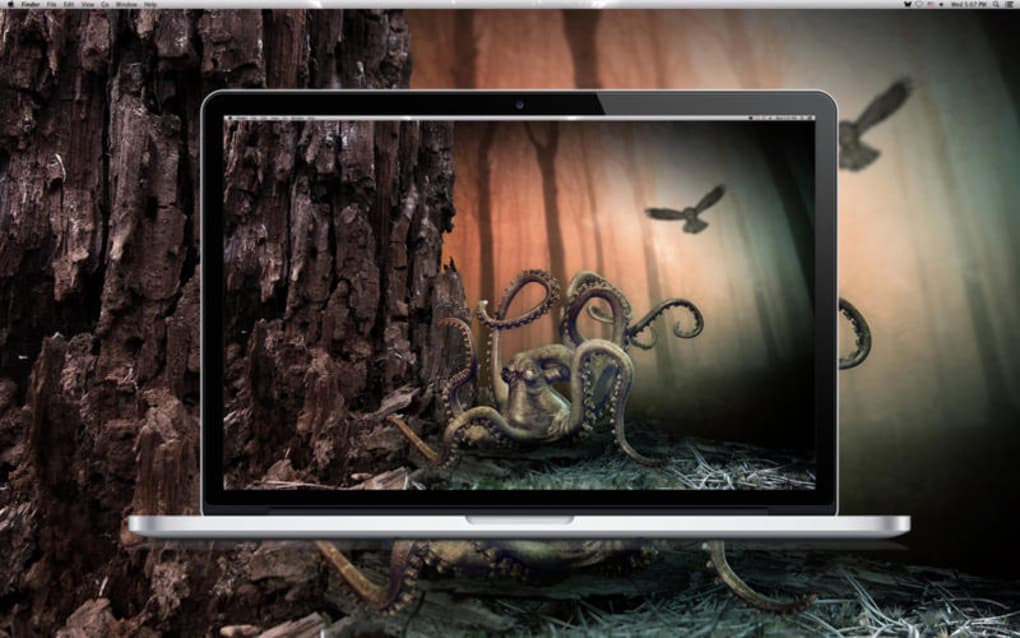
Wallpapers Art HD is a free, lightweight program designed exclusively for macOS users who love to personalize their desktop with stunning, high‑definition images. Developed by Alina Vysniauskiene, this lifestyle‑category app offers a curated collection of premium‑quality wallpapers that automatically adapt to your screen resolution, whether you are using a Retina display, an external 4K monitor, or a classic 13‑inch MacBook. The interface is built around simplicity: a clean grid of thumbnails, a one‑click “Set as Desktop” button, and a seamless integration with macOS’s native Desktop & Screen Saver preferences. Because it is completely free, there are no hidden subscription fees, ads, or in‑app purchases, making it an ideal choice for students, designers, and anyone who wants a beautiful desktop without compromising security or performance.
The app is fully localized in English and respects macOS privacy standards, storing downloaded images only in the user’s Library folder. Regular updates add new seasonal collections, improve image‑caching efficiency, and keep the app compatible with the latest macOS releases. Whether you prefer minimalist abstracts, vibrant nature shots, or artistic illustrations, Wallpapers Art HD provides a diverse library that is refreshed weekly, ensuring you never run out of fresh inspiration for your screen.
Key Features
- High‑Definition Library: Over 5,000 curated wallpapers in 4K, 5K, and Retina‑ready resolutions, organized by category, color palette, and trending tags.
- One‑Click Apply: Instantly set any image as your desktop background with a single click, eliminating the need to navigate System Settings.
- Dynamic Scaling: Automatic detection of screen size and resolution ensures each wallpaper fills the screen perfectly, without distortion or pixelation.
- Auto‑Refresh Collections: New wallpapers are added weekly; the app can auto‑download the latest bundles while you work.
- Offline Access: All downloaded images are stored locally, allowing you to change wallpapers even without an internet connection.
- Dark Mode Compatibility: The UI adapts to macOS Dark Mode, providing a consistent look whether you work day or night.
- Secure Download Engine: All images are delivered via HTTPS with checksum verification to prevent tampering.
- Lightweight Footprint: The app occupies less than 50 MB of disk space and uses minimal RAM, keeping your Mac fast.
- Custom Collections: Create personal playlists of favorite wallpapers and switch between them automatically on a timer.
- Free & No Ads: Completely free to download and use, with no intrusive advertisements or hidden fees.
Installation, Usage & Compatibility
Step‑by‑Step Installation
Installing Wallpapers Art HD is straightforward and mirrors the typical macOS app installation process:
- Visit the official download page or the Mac App Store link provided by the developer.
- Click the “Download” button; the .dmg file will begin downloading.
- Open the .dmg file and drag the Wallpapers Art HD icon into your Applications folder.
- Launch the app from Launchpad or the Applications folder. The first launch may prompt macOS to verify the developer; click “Open” to continue.
- Accept the permissions request for accessing the “Desktop Pictures” folder, which allows the app to set wallpapers automatically.
Getting the Most Out of the App
Once installed, the main window presents a grid of thumbnail previews. Use the filter bar at the top to sort by category, color, or newest. Hover over any thumbnail to reveal a quick‑action menu where you can:
- Preview: View the wallpaper in full‑screen mode before applying.
- Download: Save the high‑resolution file to a custom folder for later use.
- Set as Desktop: Instantly change your background with a single click.
The “Preferences” pane (gear icon) lets you configure automatic updates, set a timer for rotating wallpapers, and choose whether the app should start at login. For power users, the “Custom Collections” tab enables you to drag‑and‑drop favorites into a personal slideshow that can be scheduled to change every hour, day, or week.
Compatibility
Wallpapers Art HD is built for macOS 10.14 (Mojave) and later. It runs natively on Intel‑based Macs as well as Apple Silicon (M1, M2, and newer) thanks to universal binary support. The app has been tested on the following macOS releases:
- macOS 10.14 Mojave
- macOS 10.15 Catalina
- macOS 11 Big Sur
- macOS 12 Monterey
- macOS 13 Ventura
- macOS 14 Sonoma (beta support)
System requirements are modest: a minimum of 2 GB RAM, 50 MB of free storage for the app itself, and an internet connection for downloading new collections. Existing wallpapers are stored in the user’s Library folder, ensuring they persist across system updates.
Pros, Cons & Frequently Asked Questions
Pros
- Completely free with no ads or hidden charges.
- Huge library of high‑resolution wallpapers updated weekly.
- One‑click apply and dynamic scaling for any screen size.
- Low system resource usage; ideal for older Macs.
- Secure HTTPS downloads with checksum verification.
- Supports both Intel and Apple Silicon Macs.
Cons
- No built‑in photo editor for customizing wallpapers.
- Lacks integration with third‑party cloud storage services.
- Only available for macOS; no Windows or Linux version.
- Automatic update notifications can be a bit frequent for some users.
FAQ
Is Wallpapers Art HD really free?
Yes, the app is completely free to download and use. There are no hidden subscription fees, in‑app purchases, or advertisements.
Can I use the wallpapers for commercial projects?
All images in Wallpapers Art HD are licensed for personal use only. For commercial purposes you must check the individual image’s license or contact the original creator.
How does the app handle macOS security prompts?
The first time you launch the app, macOS may ask to verify the developer. Click “Open” to allow the app to run, then grant access to the “Desktop Pictures” folder when prompted so it can set wallpapers automatically.
Can I schedule wallpaper changes?
Yes. In the Preferences pane you can enable “Automatic Rotation” and choose a time interval (hourly, daily, or weekly). You can also create custom collections that rotate on a schedule you define.
Does the app work on Apple Silicon Macs?
Absolutely. Wallpapers Art HD is compiled as a universal binary, so it runs natively on M1, M2, and later Apple Silicon devices, delivering the same performance as on Intel‑based Macs.
Conclusion & Call to Action
Wallpapers Art HD stands out as a polished, free solution for macOS users who want a constantly refreshed desktop without the hassle of searching for high‑quality images across the web. Its extensive library, seamless one‑click application, and lightweight design make it a perfect fit for both casual users and power users who enjoy customizing their workspace. While it lacks advanced editing tools and cross‑platform support, the core experience—delivering beautiful, retina‑ready wallpapers instantly—is delivered without compromise.
If you’re ready to give your Mac a visual upgrade, download Wallpapers Art HD now and explore a world of high‑definition backgrounds that will keep your desktop looking fresh every day. The app is free, secure, and regularly updated, so you can trust it to stay compatible with future macOS releases.
Click here to download the latest version and start personalizing your Mac today!
Overall Rating: 4.5/5
Wallpapers Art HD delivers an impressive collection of high‑definition wallpapers with an intuitive interface and zero cost. Its automatic scaling and lightweight footprint make it ideal for any Mac, though power users may miss built‑in editing features.







